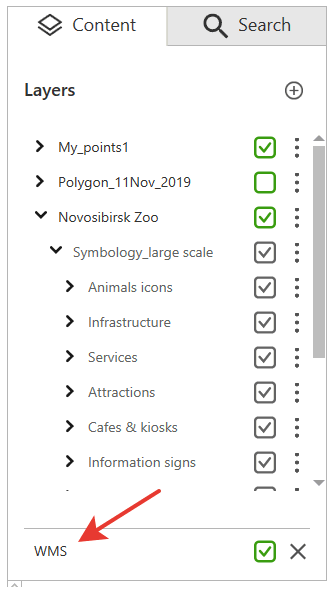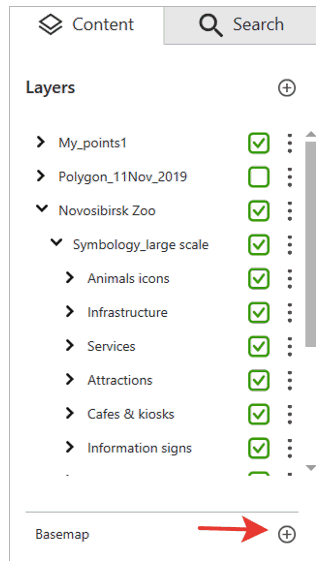
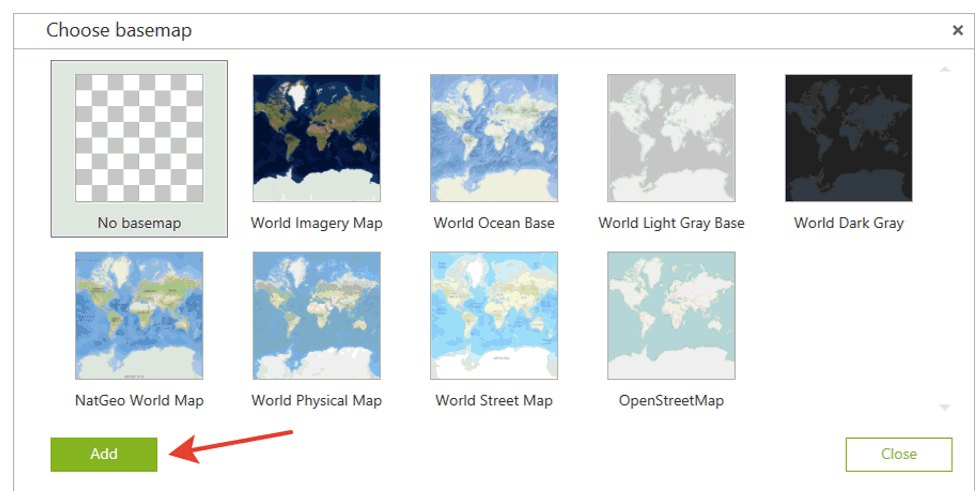
To add basemap from the list of available online services, press Add.
In the appeared list of online services select one that needs to be shown as basemap.
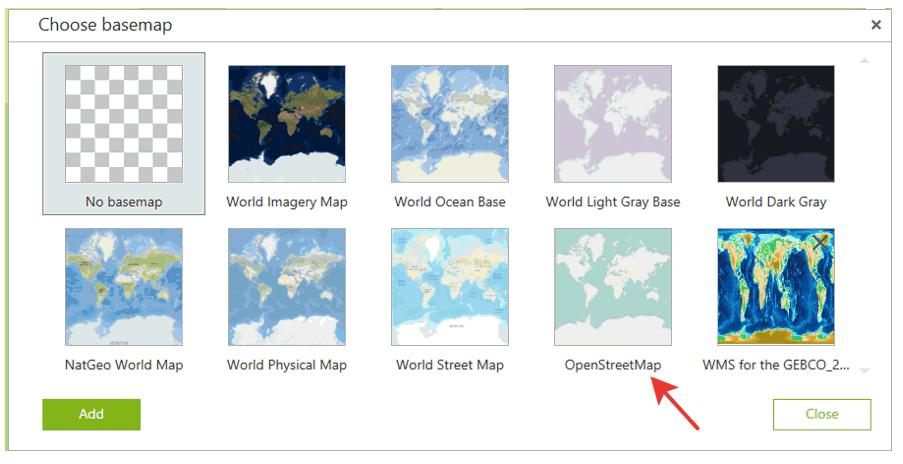
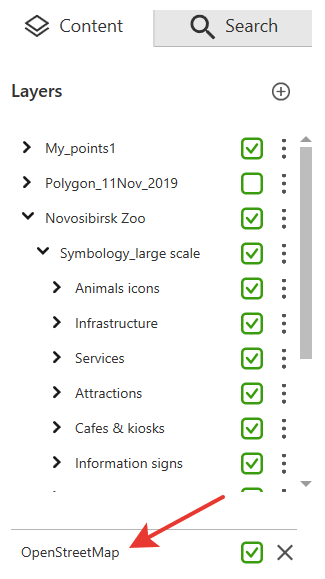
Selected service will be shown in the map window and in the Content tab.
To select the map from ArcGIS or WMS online service as basemap, press Add.
In the appeared window select the type of online map service, either ArcGIS or WMS.
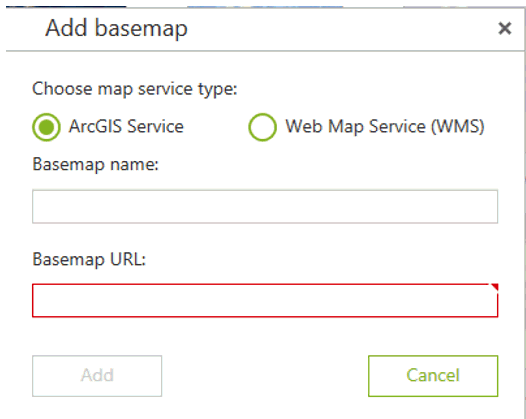
In the Basemap name field enter the name that will be shown in the list of online basemaps. In the Basemap URL field enter the path to online service.
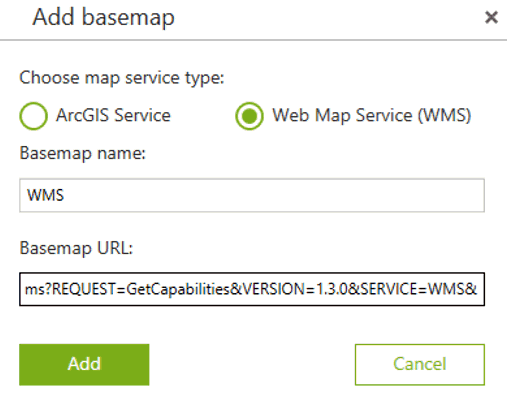
Make sure to fill in all fields and press Add.
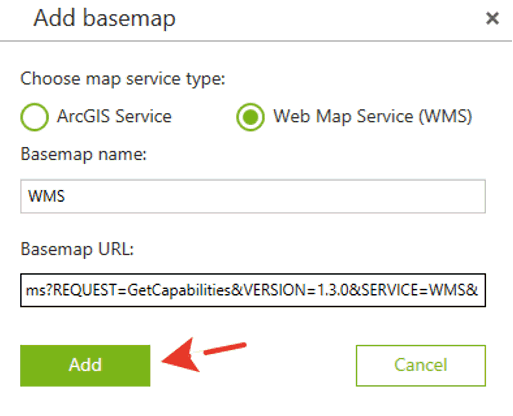
The added online service will be shown in the list.
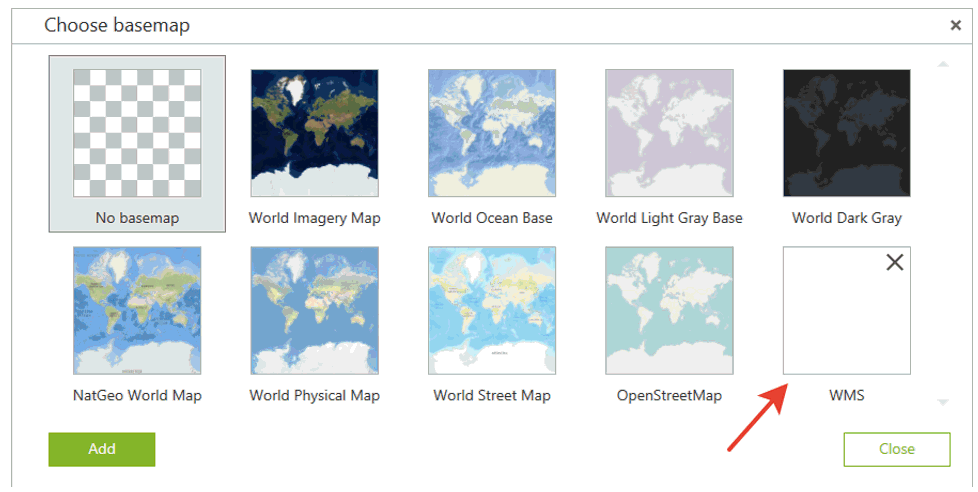
To select map service as online basemap, click on it. The service will be shown on the map and in the Content tab of the application.