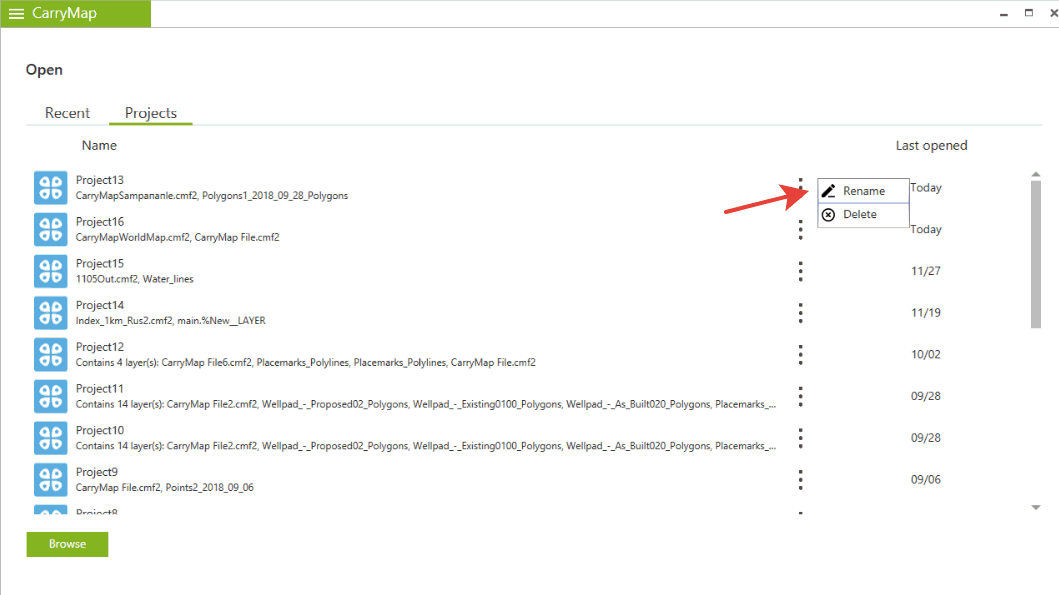


Projects and adding maps and data to the projects
Projects are sets of maps, data layers and parameters such as layer visibility or added online basemaps. You can create projects by combining multiple maps and data layers.
In order to create a project you should:
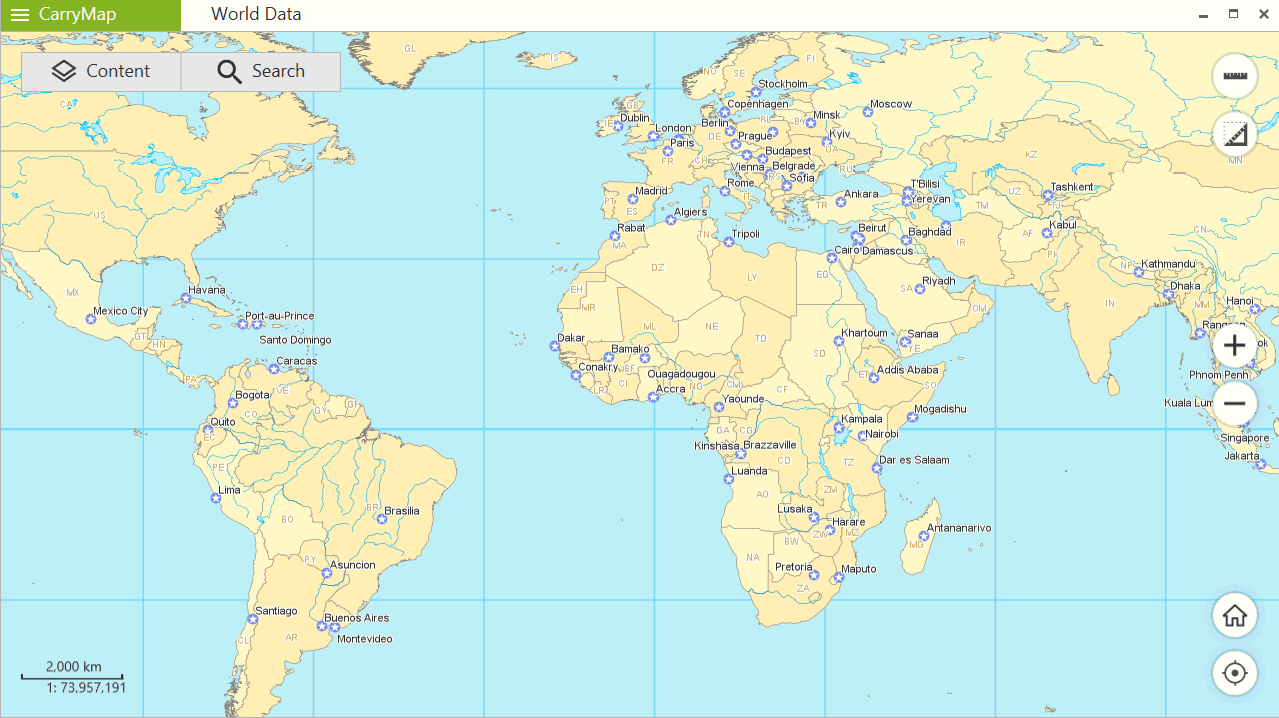
1) Open any map
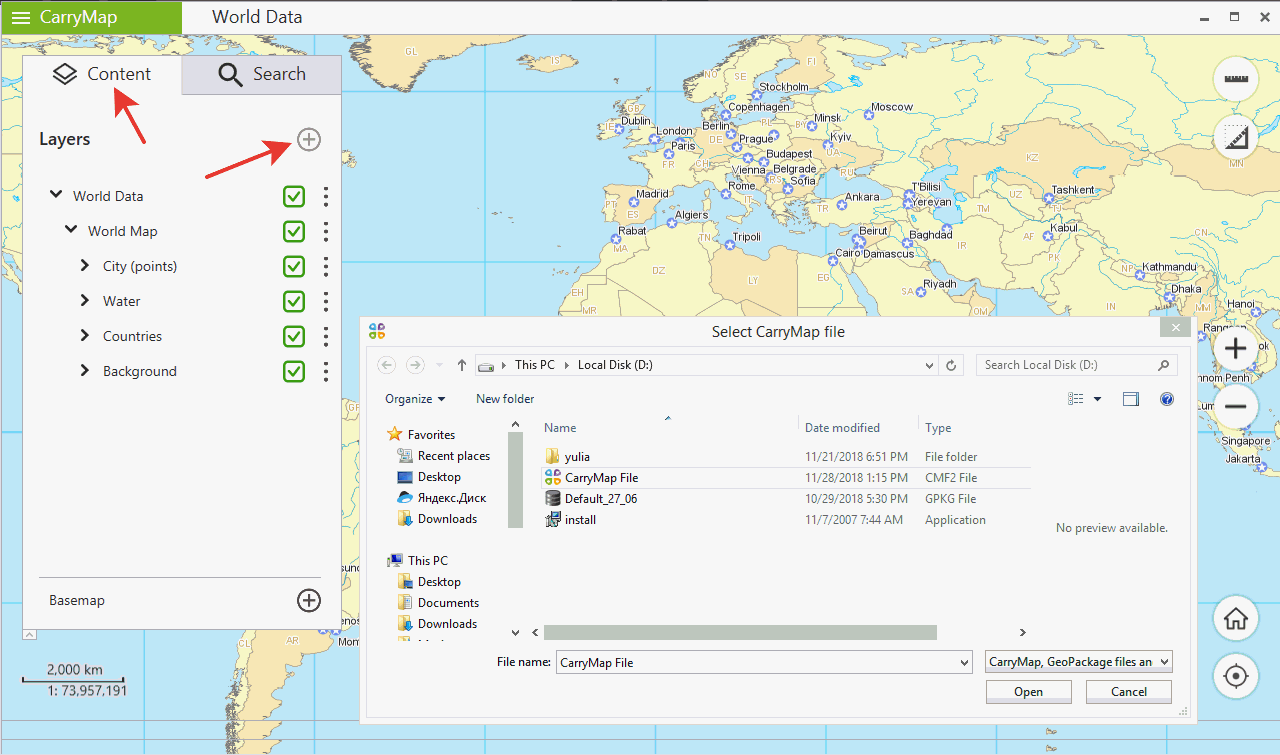
2) Click Add button in the Content section and select map or data layer you want to combine with the first map. You can add .cmf, .cmf2, .exe maps or layers from .gpkg (GeoPackage) files.
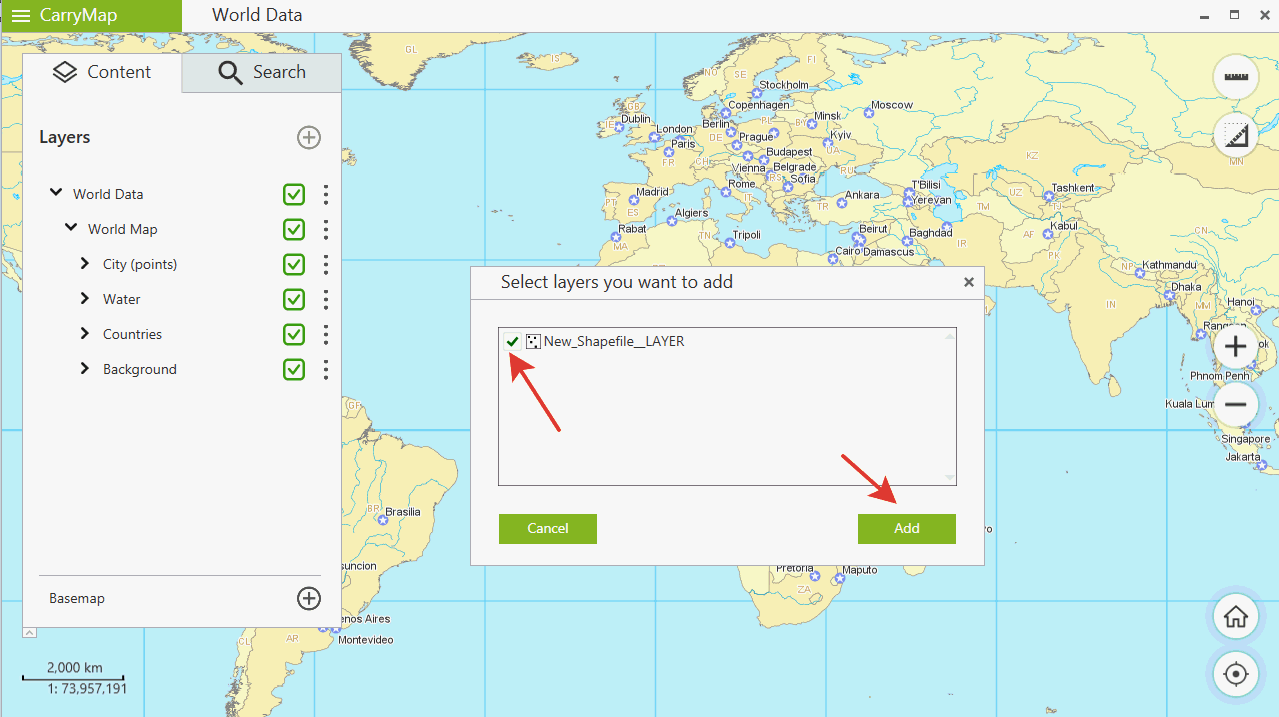
3) If you want to add layers from a GeoPackage file you should check the layers you want to add after selecting GeoPackage.
A project will be created automatically. After that you will be able to open projects, rename or delete them in the Projects tab of Open menu.