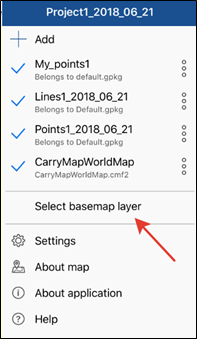
To select basemap for your map, tap Select basemap layer in the menu.
You can select basemap from ArcGIS Online maps or WMS online services or use any CMF/CMF2 map (specific format for mobile maps created using extension for ArcGIS Desktop called CarryMap Builder).
You can also select base map from OpenStreetMap or use any thematic map converted to СMF/CMF2 format from the app Gallery. To do so, tap Select basemap layer in the map menu and then tap Add.
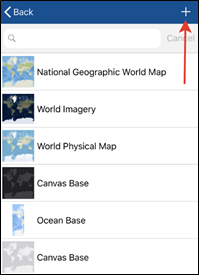
Go to Gallery tab.
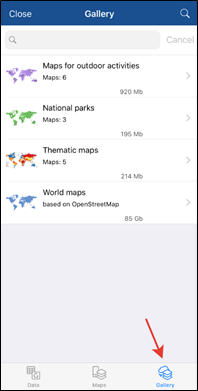
Select the needed map from the Gallery and tap Download.
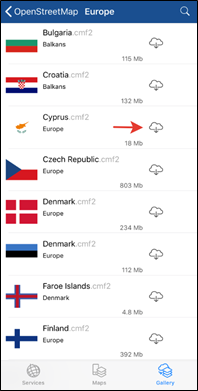
The downloaded map will be added to Maps tab.
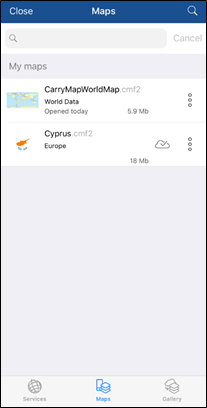
Select this map to add it as basemap to your project. To zoom to basemap, select three dots menu and tap Zoom to map.
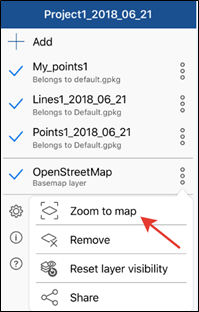
To select another basemap, tap Select basemap layer again.
To select basemap from ArcGIS Online service, select Add and go to Services tab.