

Registration
To register CarryMap Builder:
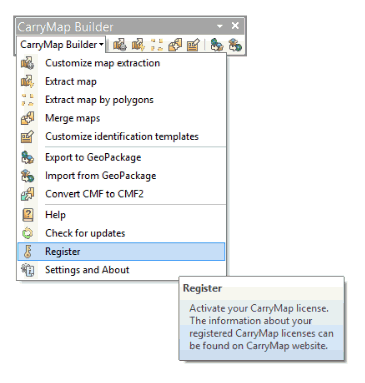
Press the CarryMap Builder button on the ArcGIS toolbar, then select Register item in the appeared menu.
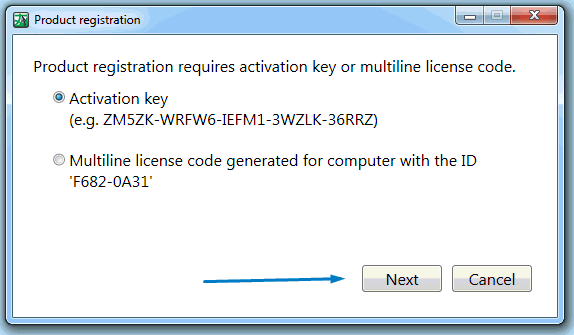
Select the required activation key type and press Next.
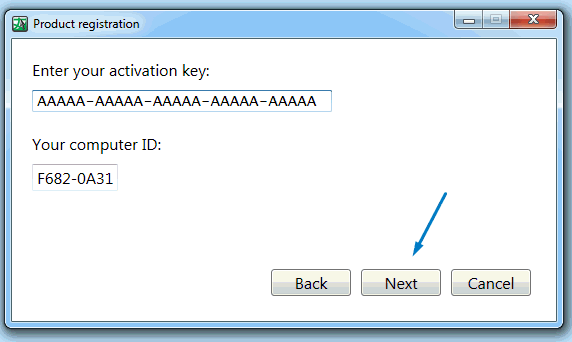
Enter your license key and press Next.
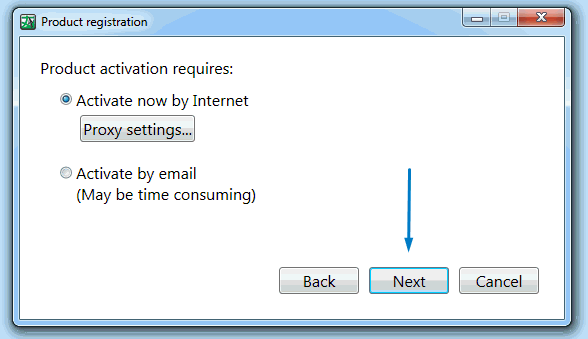
Select the activation type and press Next.
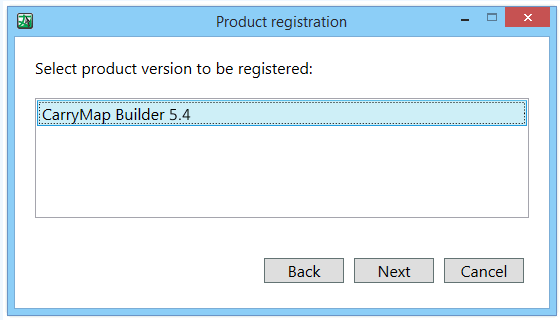
Select the product version and press Next.
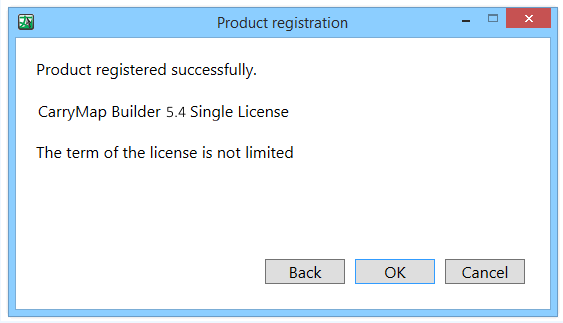
Your CarryMap Builder license has been registered. Press ОК to continue working.