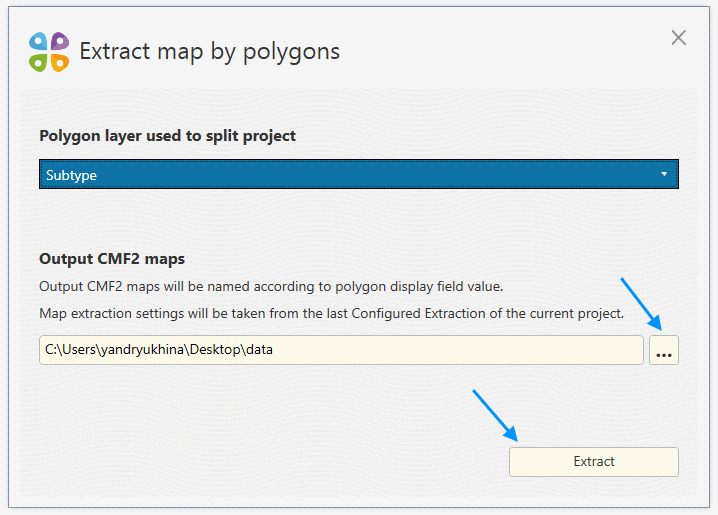


Extracting map split by polygons
You can split your ArcGIS map by a polygon layer and extract it to multiple mobile maps. To do it:
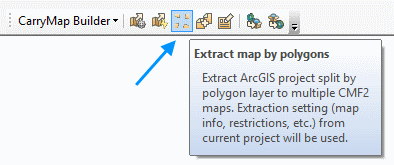
1) Press the Extract map by polygons button on the CarryMap Builder toolbar.
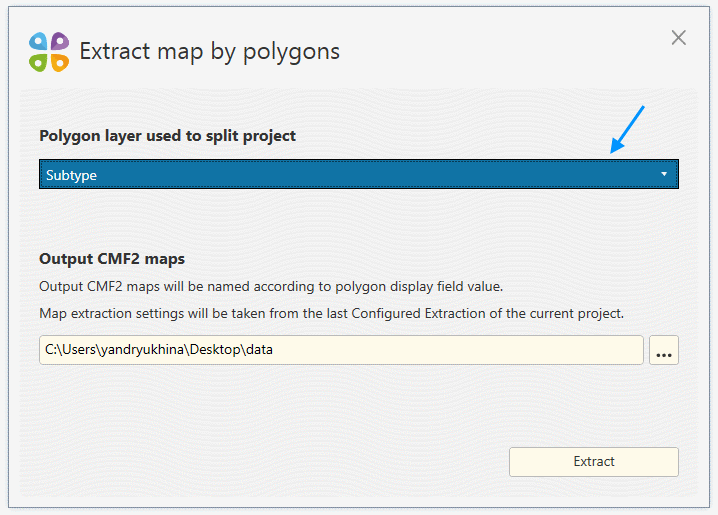
2) Select polygon layer that will be used to split your ArcGIS map. Check “Clip features” option if you would like to clip features by polygon borders during extraction.
3) Select location for output CMF2 maps and press Extract to start extraction. Please note that maps will be named according to the display field value of polygons that were used to split it.